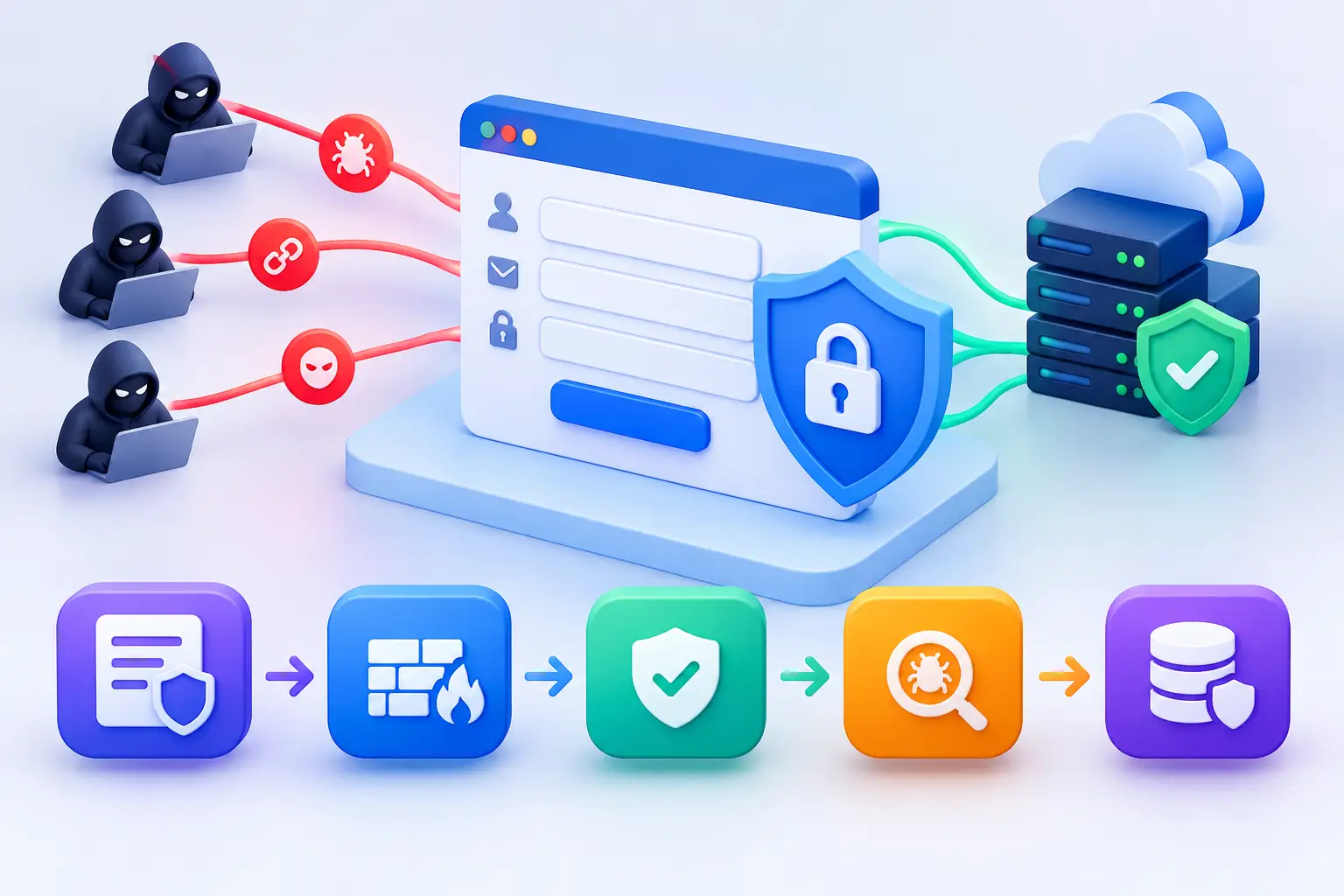
How to Protect Web Application Forms from Attack
A contact form can be the first public-facing component an attacker tests. Login pages, payment forms, account registration fields, and file uploads all accept input from untrusted sources. To protect web application forms, businesses need controls that prevent malicious submissions while preserving a usable experience for legitimate customers and staff.
Forms are often treated as simple website features. From a security perspective, they are entry points into customer data, internal systems, email workflows, payment processes, and databases. A single weak validation rule or exposed error message can give an attacker useful information. A poorly protected login form can also become a path for credential stuffing, brute-force attempts, or account takeover.
Understand what attackers target in web forms
The appropriate protections depend on the form's purpose and the systems behind it. A newsletter signup form has a different risk profile than a customer portal login, but both can be abused by automated tools.
Attackers commonly use forms to submit malicious scripts, manipulate database queries, test stolen credentials, send large volumes of spam, or upload harmful files. They may also probe a form one field at a time to learn how the application handles invalid input. Error messages, response times, and changes in application behavior can reveal more than intended.
The business impact is not limited to a compromised web page. Form abuse can create fraudulent accounts, expose personal information, disrupt customer service teams with spam, consume infrastructure resources, and create compliance concerns when regulated data is involved.
Protect web application forms with layered controls
No single control is sufficient. CAPTCHA alone will not stop a targeted account takeover campaign, and input validation alone will not prevent an attacker from replaying requests directly against an application endpoint. Effective protection combines secure development practices, access controls, traffic controls, and continuous oversight.
Validate every input on the server
Client-side validation improves usability, but it cannot be trusted as a security control. Attackers can modify browser requests, bypass page scripts, or submit requests directly to an API. Every field must be validated on the server before the application processes it.
Use allowlists wherever practical. If a field expects an email address, validate it as an email address. If a field accepts a US state abbreviation, accept only the defined values. Set strict length limits, reject unexpected characters where appropriate, and normalize inputs before processing them.
Validation should also match business rules. For example, an account registration form may require an email verification step, while a high-value service request may require controls that identify duplicate submissions or suspicious patterns. Technical validation without business logic still leaves room for abuse.
Encode output and prevent injection attacks
Input that is safe in one context may be dangerous in another. A comment field stored in a database could later be displayed in a browser, included in an email, or passed to an internal reporting system. The application must encode data correctly for the destination context.
Parameterized database queries are essential for preventing SQL injection. Applications should never build queries by combining raw user input with query strings. For browser output, apply context-aware output encoding to reduce the risk of cross-site scripting. Security headers, including a carefully designed Content Security Policy, can provide an additional layer of protection, but they do not replace secure coding.
Treat rich-text editors, search fields, URL parameters, and hidden form fields with the same care as visible form inputs. Hidden fields are visible to anyone inspecting the page and can be changed before submission.
Defend against automated abuse
Automated traffic can overwhelm public forms long before it triggers a traditional intrusion alert. Bots can submit thousands of lead forms, test credential lists against a login page, or create fraudulent accounts at scale.
Rate limiting is one of the most useful baseline controls. Apply sensible limits by IP address, account, session, device indicators, and endpoint sensitivity. A login form should have stricter controls than a general contact form. Avoid relying on IP-based limits alone, since legitimate users may share corporate networks and attackers can distribute traffic across many addresses.
Use bot detection, challenge mechanisms, and behavioral signals when the risk justifies them. A challenge should be applied selectively where possible. Aggressive challenges can reduce spam but may also block customers, accessibility tools, or legitimate automated integrations. Monitor false positives and tune controls based on observed traffic.
For login and password-reset forms, add protections such as progressive delays, temporary lockouts designed to avoid denial-of-service conditions, multi-factor authentication, and alerts for unusual authentication activity. Password reset flows deserve the same scrutiny as login pages because they can be used to enumerate accounts or take over them.
Protect sessions, requests, and sensitive data
Forms that change account settings, submit transactions, or update records need protection against cross-site request forgery. Use anti-CSRF tokens that are validated on the server, and configure cookies with Secure, HttpOnly, and appropriate SameSite attributes.
Transmit forms only over HTTPS. Mixed content, expired certificates, and weak transport configuration undermine trust and may expose sensitive data in transit. Do not place passwords, payment information, Social Security numbers, or other sensitive information in URLs, browser logs, or unnecessary application logs.
For payment forms, reduce the amount of payment data your application handles directly. The less sensitive information that enters your environment, the smaller the attack surface and compliance burden. The same principle applies to document uploads and identity verification data.
Secure file upload forms separately
File upload features require dedicated controls. A file extension is not a reliable indicator of file type, and uploaded files should never be treated as trustworthy simply because they passed a browser check.
Enforce file size limits, validate file signatures and permitted types, rename uploaded files, and store them outside the web root whenever possible. Scan files for malware before making them available to users or internal teams. Restrict who can upload, who can retrieve files, and how long files are retained.
If uploaded files are processed by another service, isolate that processing. Documents can contain malicious content designed to exploit parsers, preview tools, or downstream workflows.
Build form security into the development workflow
Protecting forms is not a one-time remediation task. New fields, third-party scripts, API changes, and application updates can introduce risk after an initial review.
Security requirements should be defined before a form is released. Development and IT teams should identify what data the form collects, where it is stored, who receives it, and what actions it can trigger. This creates a clear basis for validation rules, logging requirements, retention decisions, and access controls.
Before deployment, test both expected and unexpected inputs. Include oversized values, malformed requests, missing parameters, modified hidden fields, special characters, repeated submissions, and direct requests to the endpoint. Automated scanning can identify common weaknesses, but manual testing is valuable for finding business-logic flaws that tools may not understand.
A secure code review should focus on the full data path, not only the form page. Review client-side scripts, backend handlers, database queries, email notifications, integrations, administrative dashboards, and logs. A form may validate input correctly but still expose sensitive content through an insecure notification or poorly restricted admin view.
Monitor form activity and investigate anomalies
A form can remain technically secure while becoming operationally abused. Continuous monitoring helps distinguish ordinary traffic from emerging threats.
Track failed logins, password reset requests, high-volume submissions, validation failures, blocked requests, unusual geographies, repeated use of similar data, and spikes in file uploads. Establish a normal baseline for important forms so that deviations are easier to identify. Logs should be protected from unauthorized changes and retained according to business and compliance requirements.
When suspicious activity occurs, the response should be defined in advance. Teams need to know who reviews alerts, how they preserve relevant logs, when they block traffic, and how they assess whether customer or business data was affected. Clear response procedures reduce uncertainty during an incident.
FortifyNET supports this disciplined approach through security analysis, actionable remediation planning, and continuous monitoring that keeps public-facing assets under regular review.
Prioritize forms by business risk
Not every form requires the same investment. Start with forms that authenticate users, collect sensitive information, initiate payments, accept file uploads, or connect directly to internal systems. These forms should receive the strongest testing, logging, and monitoring coverage.
Then address high-volume public forms that create operational strain when abused, such as contact requests, appointment scheduling, account registration, and quotation tools. Even when these forms do not process sensitive data, spam and automated misuse can affect sales operations, customer response times, and platform costs.
Form security becomes manageable when it is treated as an ongoing operational control: identify the data and action behind each form, apply protections proportionate to the risk, test changes before release, and review the signals that show when conditions have changed. That discipline protects more than a web page. It protects the business processes connected to it.