How to Secure Abandoned Cloud Assets Safely
A cloud account can be abandoned long before it is closed. A developer may leave a test environment running after a launch. A former vendor may retain access to a storage bucket. A retired application may still have a public API endpoint, DNS record, database backup, or service account attached to it. To secure abandoned cloud assets, organizations must find these remnants, determine their business purpose, and either remediate or retire them under controlled conditions.
For small and mid-sized businesses, this problem is rarely caused by negligence. It is usually the result of growth. Teams adopt cloud services quickly, projects change direction, employees move on, and operational records do not always keep pace. The result is an expanding attack surface with unclear ownership - precisely the condition attackers look for.
Why abandoned cloud assets create disproportionate risk
An abandoned asset is not necessarily inactive. It may still store customer records, process logs, host code, send email, or hold credentials that connect to other systems. Even an empty virtual machine or expired development site can expose useful information about your environment.
Cloud resources are particularly difficult to manage because they are easy to create and can remain available with little visible impact. A forgotten object storage container may not appear on an infrastructure diagram. A dormant cloud subscription may not be included in vulnerability scans. A temporary domain can stay registered and point to an old application long after the team that built it has moved on.
Attackers do not need a business-critical production system to gain value. They can use an unpatched server as an entry point, retrieve data from a misconfigured storage service, take over an unclaimed cloud resource referenced by an old DNS record, or use exposed keys to move into active accounts. The direct cost of an unused asset may be small. The security and recovery cost can be significant.
Start with an asset inventory, not an assumption
The first step is to establish what your organization actually owns and exposes. Do not rely solely on the cloud console used by the IT team. Cloud resources may sit in separate accounts, departmental subscriptions, personal developer accounts, legacy tenants, or platforms managed by outside providers.
Build an inventory that brings together cloud accounts, domains and subdomains, IP addresses, virtual machines, containers, storage locations, databases, serverless functions, SaaS integrations, API endpoints, certificates, email services, and identity accounts. Include the owner, business purpose, environment, data classification, internet exposure, and last known activity for each item.
This inventory should be treated as an operational record, not a one-time spreadsheet. The goal is to answer basic questions quickly: Who owns this? What does it support? Does it contain sensitive information? Is it reachable from the internet? When was it last reviewed?
External exposure scanning is especially useful here. It identifies assets that may not appear in internal inventories, including forgotten subdomains, exposed services, expired certificates, and public-facing applications connected to your organization’s digital footprint. Internal cloud records show what teams believe they have. External monitoring helps reveal what the internet can see.
Look for the signs of abandonment
A resource should not be labeled abandoned simply because it has low traffic. Some systems are intentionally dormant, seasonal, or retained for legal and recovery purposes. Instead, assess multiple indicators: no identified owner, no documented business purpose, inactive billing contact, no recent administrative activity, expired project records, unsupported software, stale credentials, or monitoring that has been disabled.
The absence of an owner is often the clearest warning sign. If no person or department is accountable for a cloud asset, no one is likely to patch it, review access, verify backups, or respond when an alert occurs.
Classify before you delete
Immediate deletion may feel like the safest response, but it can create business disruption, destroy evidence, or violate retention obligations. A better approach is to classify assets into three practical groups: actively required, temporarily retained, and ready for retirement.
Actively required assets need a confirmed owner and entry into your normal security program. That includes vulnerability management, access reviews, configuration baselines, backups, logging, and continuous monitoring.
Temporarily retained assets should have a documented reason and an expiration date. For example, an acquired company’s environment may need to remain available while records are migrated. A retired application database may be retained for contractual or legal requirements. These resources still require safeguards. Reduce access, restrict network exposure, encrypt data, preserve logs where appropriate, and set a formal review date.
Assets ready for retirement should move through a controlled decommissioning process. The goal is not just to turn off a workload. It is to remove the paths that could allow it to be misused later.
How to secure abandoned cloud assets during retirement
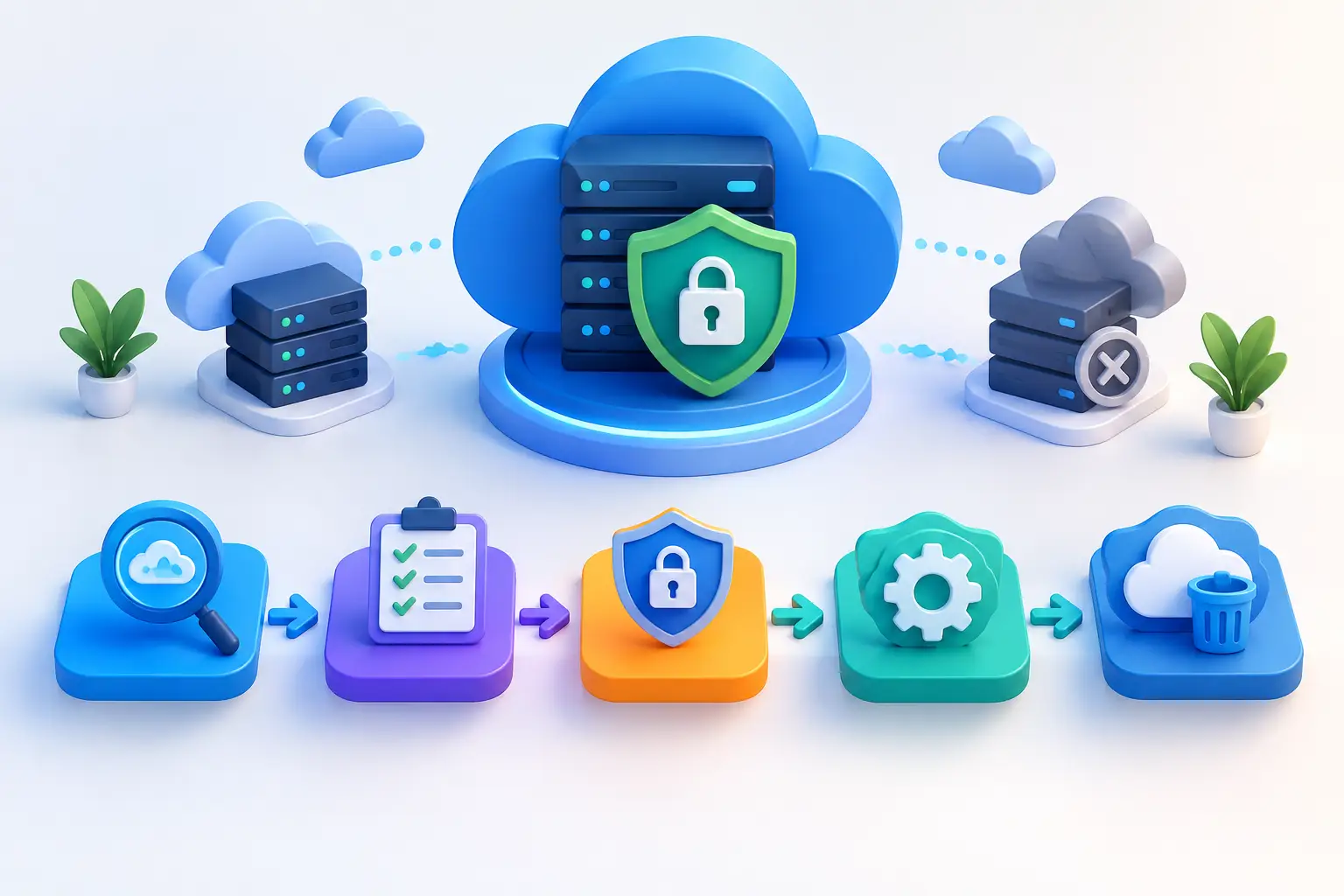
A defensible retirement process starts by preserving the information needed to validate the decision. Record the resource name, account, owner or former owner, purpose, data classification, connected systems, and approval to decommission. If the asset has security relevance, retain necessary audit logs and configuration evidence according to your organization’s retention requirements.
Then remove public exposure. Disable public access where possible, take applications out of service, remove load balancer routes, revoke API access, and review DNS entries that point to the resource. Stale DNS is a common weakness because it can direct users or attackers toward infrastructure that no longer has clear ownership.
Next, address identity and secrets. Revoke service accounts, access keys, tokens, SSH keys, OAuth connections, and third-party integration credentials associated with the asset. Rotate shared secrets if there is any chance they were used elsewhere. Deleting a server without revoking the credentials tied to it leaves an unnecessary avenue into the rest of the environment.
Data must be handled deliberately. Confirm whether the resource contains customer data, employee records, financial information, source code, backups, or regulated information. Archive data only when there is a defined retention need and a protected storage location. When data no longer needs to be retained, delete it using the cloud provider’s approved processes and document the action.
Finally, terminate or release the underlying components. This may include compute instances, disks, snapshots, container images, databases, storage buckets, IP addresses, certificates, and reserved resources. Review dependencies before removal. A shared certificate, network route, identity role, or storage location may support another active service.
Treat identity access as the highest-priority control
Forgotten cloud credentials are frequently more dangerous than forgotten infrastructure. A dormant account with broad permissions can give an attacker access to current systems even when the original project no longer exists.
Review all human and non-human identities associated with inactive environments. Disable accounts belonging to departed employees and former contractors. Remove standing administrator rights that were granted for temporary projects. Require multifactor authentication for administrative access, and use least-privilege roles rather than broad account permissions.
Service accounts deserve the same scrutiny. Many automated workloads use credentials that outlive the application they supported. If a service account cannot be tied to an active business process and accountable owner, disable it. Where automation must remain, use short-lived credentials and monitor its activity.
Build continuous oversight into cloud operations
One cleanup project is valuable, but it will not prevent the next abandoned asset. Sustainable control comes from integrating security into the lifecycle of cloud resources.
Require every new cloud account, application, domain, and external service to have a named business owner and technical owner. Set expiration or review dates for development environments and temporary resources. Include cloud decommissioning in employee offboarding, vendor termination, application retirement, and merger or acquisition checklists.
Continuous monitoring should alert your team to new internet-facing assets, changes in DNS, exposed services, expired certificates, risky cloud configurations, and inactive accounts with elevated permissions. Regular exposure scans and documented remediation plans turn these findings into assigned work rather than background noise.
For organizations without a large internal security team, a centralized dashboard and recurring reports can provide the governance layer that cloud environments often lack. FortifyNET helps organizations combine visibility across public-facing assets with clear remediation priorities, so security decisions are not dependent on incomplete inventories or individual memory.
Measure whether the process is working
Track a small set of meaningful measures: the number of assets without an owner, time to disable accounts after employee or vendor departure, number of stale DNS records, number of exposed cloud services without a current business purpose, and time required to retire a confirmed unused resource. These measures show whether accountability is improving, not merely whether a cleanup exercise was completed.
The most effective cloud security programs make ownership visible and retirement routine. Every asset should have a purpose, a responsible owner, and a monitored lifecycle. When it no longer does, the safest action is to contain it, document it, and remove it before someone else finds it first.