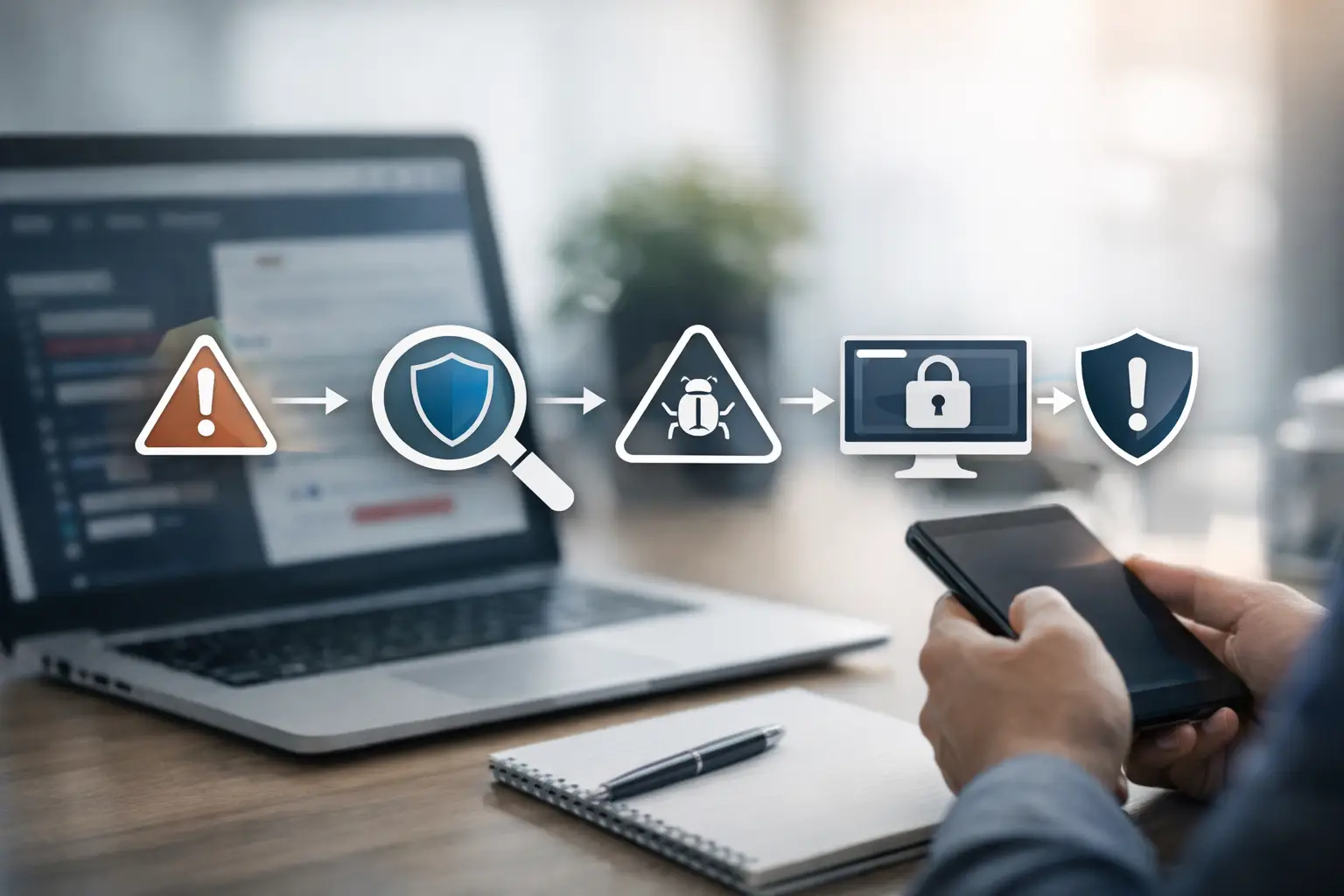
Website Vulnerability Scan for Small Business
A single outdated plugin, a weak admin panel, or an exposed script can turn a small company website into an easy point of entry. That is why a website vulnerability scan for small business operations is not just a technical exercise. It is a practical way to identify risk early, understand what matters most, and prevent a public-facing asset from becoming a business interruption.
Small businesses are often targeted for a simple reason: attackers expect weaker controls, fewer internal security resources, and slower response times. If your website supports lead generation, customer communication, ecommerce, scheduling, or account access, it is part of your operating environment. It deserves the same attention as any other business-critical system.
What a website vulnerability scan for small business actually does
A vulnerability scan evaluates your website and related web components for known weaknesses. Depending on scope, that can include the web application itself, content management systems, plugins, themes, SSL and TLS configuration, exposed services, outdated software, misconfigurations, insecure headers, and sometimes supporting infrastructure tied to the site.
The goal is not to produce a long list of technical alerts with no context. A useful scan identifies issues, assigns severity, and helps you understand which findings create real exposure. For a small business, that distinction matters. You do not need noise. You need a prioritized view of what should be remediated now, what should be scheduled, and what should be monitored.
This is also where expectations need to stay grounded. A scan is not the same as a full manual penetration test. Automated scanning is efficient and valuable, but it may miss business logic flaws, chained attack paths, or context-specific weaknesses that require human analysis. For many small businesses, scanning is the right starting point and should remain part of an ongoing security process, not a one-time checkbox.
Why small businesses need scanning more often than they think
Websites change constantly. Plugins update. New forms are added. Marketing teams install scripts. Hosting settings shift. Third-party integrations expand the attack surface quietly, often without a formal security review.
That means a clean result from six months ago says very little about your current exposure. The risk is not only from major redesigns. Minor operational changes can introduce vulnerabilities just as easily, especially in WordPress environments, ecommerce platforms, and custom web applications maintained by multiple vendors.
There is also a business reality behind the technical risk. If your website is compromised, the damage usually spreads beyond the site itself. You may face service disruption, SEO damage, customer trust issues, malware warnings in browsers, fraudulent redirects, or unauthorized access to connected systems. If your organization has compliance obligations, an unmanaged vulnerability can also become a reporting and governance problem.
For small and mid-sized organizations, the cost of not knowing is usually higher than the cost of scanning. The real value is visibility. Once you can see the risk clearly, you can manage it.
What a useful scan should include
Not all scans are equally helpful. Some produce surface-level findings and stop there. Others support a more disciplined workflow by tying discovery to remediation and ongoing oversight.
A strong website vulnerability scan for small business use should identify common web weaknesses such as outdated software versions, known CVEs, insecure configurations, missing security headers, exposed administration pages, weak encryption settings, and potentially risky third-party components. It should also distinguish between informational findings and actionable vulnerabilities. That sounds basic, but many businesses receive reports full of low-value items and still have no clear sense of what actually threatens the site.
Reporting quality matters as much as detection quality. If the scan output is too technical, non-specialist stakeholders cannot use it. If it is too vague, IT teams cannot act on it. The best reporting translates findings into business impact, remediation priority, and practical next steps.
That is where a platform-backed and consultative approach has an advantage. FortifyNET, for example, is built around more than raw scan output. The focus is on helping organizations identify, understand, remediate, and monitor vulnerabilities through structured reporting and ongoing visibility.
What scanners can find, and what they cannot
Automated scans are very good at finding known patterns. They can detect missing patches, weak configurations, exposed files, certificate issues, open ports tied to web services, and common categories such as cross-site scripting or SQL injection indicators when those conditions are detectable from the outside.
What they cannot always do is tell you how a vulnerability behaves in your specific business context. A medium-severity issue on a staging login page may not matter much. A similar issue on a payment, account, or client portal page may require immediate action. Severity ratings help, but context decides priority.
Automated tools can also generate false positives or miss issues hidden behind authentication, custom workflows, or application logic. That does not reduce their value. It just means scanning should feed a review process, not replace one.
For many small businesses, the right model is straightforward: automate discovery, validate critical findings, remediate based on business impact, and continue monitoring so new exposures do not sit unnoticed.
How often should you run a website vulnerability scan?
It depends on how often your environment changes and how exposed your website is. A brochure-style site with few integrations may tolerate a lighter cadence than an ecommerce site, a healthcare portal, or a business that relies heavily on forms, user accounts, and third-party web services.
As a baseline, monthly scanning is reasonable for many small businesses. Higher-risk environments often need more frequent scans, especially after website updates, plugin changes, infrastructure migrations, new integrations, or incident response events. If your site processes sensitive data or supports customer transactions, continuous monitoring becomes much more defensible than periodic checking.
The mistake is treating scanning as an annual task tied only to compliance or budget cycles. Vulnerabilities do not follow calendar planning. They appear whenever your environment changes or a new weakness is disclosed.
How to act on scan results without getting buried in them
The hardest part for many organizations is not getting the report. It is turning the report into action. A useful process starts by separating critical and high-severity findings from everything else. If there is evidence of active exposure, public exploitability, or direct impact on authentication, payment functions, or customer data, those issues should move first.
Next, assign ownership. Some findings belong to your hosting provider, some to your web developer, some to your internal IT team, and some to a managed security partner. Without clear ownership, remediation stalls.
Then document what was fixed, what was accepted temporarily, and what needs retesting. This is where many small businesses gain operational control. A scan becomes far more valuable when paired with a dashboard, administrative oversight, and reporting that shows whether risk is actually being reduced over time.
Remediation also benefits from restraint. Not every issue needs an emergency response. Some findings can be scheduled into normal maintenance windows. Others deserve immediate escalation. The right decision depends on exploitability, asset importance, compensating controls, and business tolerance for risk.
Choosing the right scanning approach for your business
If you are selecting a service or platform, look beyond the scanner itself. Ask what assets are in scope, how authenticated scanning is handled, how findings are validated, how reports are delivered, and what support exists for remediation planning.
A small business rarely needs more jargon. It needs a process. That process should show what was scanned, what was found, what changed, what needs attention now, and what should be tracked over time. If a provider cannot help connect findings to decisions, you may end up with data but no measurable security improvement.
The best approach usually combines three things: accurate discovery, prioritized reporting, and continuous monitoring. That combination gives business owners and internal teams a way to manage web risk as an operating discipline rather than a once-a-year project.
Your website is not just a marketing asset. It is part of your exposure surface, your reputation, and often your revenue path. A well-run scan gives you something every small business needs more of in cybersecurity: clear visibility, documented action, and fewer surprises when the stakes are high.