Can Phishing Bypass MFA? Yes, Here’s How
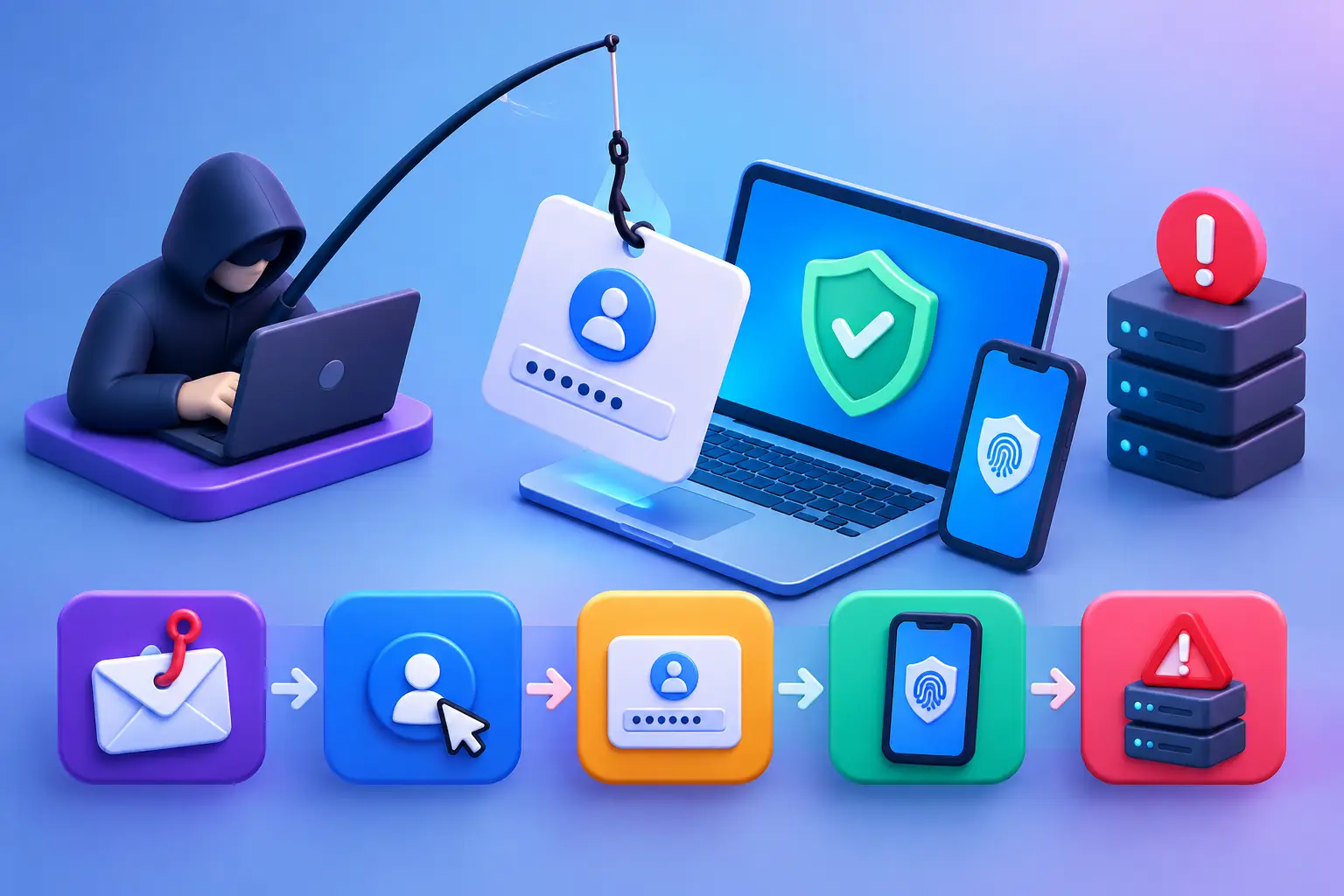
A finance employee receives what appears to be a Microsoft 365 sign-in alert. They enter their password, approve the MFA prompt on their phone, and continue working. Minutes later, an attacker is inside the mailbox using the same authenticated session. The employee did not ignore MFA. They completed it exactly as requested.
So, can phishing bypass MFA? Yes. In many cases, attackers do not need to break the authentication factor itself. They exploit the person approving it, steal an already authenticated browser session, or abuse weaknesses in how an organization has configured identity controls. MFA remains a critical security control, but it is not a complete defense against modern phishing.
For small and mid-sized businesses, this distinction matters. A compromised email account can lead to fraudulent payments, customer data exposure, malicious inbox rules, domain impersonation, and access to connected cloud applications. The response cannot stop at requiring MFA. It must include visibility, hardened configurations, user reporting processes, and continuous monitoring for suspicious activity.
How phishing can bypass MFA
Traditional phishing aimed to capture usernames and passwords. That method still works against accounts without MFA, but it is less useful when a second factor is required. Modern phishing campaigns have adapted by targeting the full sign-in process rather than the password alone.
Adversary-in-the-middle phishing
Adversary-in-the-middle, sometimes called AiTM phishing, is one of the most effective methods. The victim visits a convincing counterfeit sign-in page that sits between the victim and the legitimate identity provider. The phishing service forwards the victim's username, password, and MFA response to the real service in real time.
After successful authentication, the attacker captures the browser session cookie or authentication token issued by the legitimate service. That token can allow the attacker to access the account without entering the password or completing MFA again. From the user's perspective, the sign-in may appear normal. From the attacker's perspective, MFA has been satisfied through the victim's own approval.
This is why password changes alone may not immediately remove an intruder. If active sessions and tokens are not revoked, a stolen session may remain usable until it expires or is invalidated.
MFA fatigue and push bombing
Push-based MFA sends an approval request to a phone or authenticator app. It is convenient, but convenience can be exploited. An attacker who has already obtained a password may repeatedly trigger login requests until the user accepts one to stop the notifications, assumes it is related to their own activity, or responds to a fraudulent support call.
More targeted campaigns pair repeated prompts with a phone call, text message, or chat message claiming to be from IT. The attacker creates urgency: an account is about to be disabled, payroll access must be restored, or a security update needs approval. The technical control works as designed, but the human decision is manipulated.
Number matching reduces this risk because the user must enter or select a number displayed during the sign-in process. It is not a cure for a sophisticated real-time phishing proxy, but it makes accidental approval and simple fatigue attacks materially harder.
SIM swaps, compromised devices, and recovery paths
SMS codes are better than no MFA, but they are vulnerable to phone-number takeover, message interception, and social engineering directed at mobile carriers. A stolen or malware-infected device can also expose authenticator prompts, recovery codes, or active sessions.
Account recovery deserves equal attention. An organization may enforce MFA during routine login while allowing an attacker to reset the factor through a weak help desk verification process, an unprotected personal email account, or outdated recovery information. Attackers routinely look for the easiest route into an identity system, not necessarily the route the organization believes is most protected.
MFA is still necessary, but the method matters
The right takeaway is not to remove MFA. Password-only access is significantly more dangerous and leaves organizations exposed to common credential-stuffing and password-spray attacks. The better takeaway is that MFA strength varies by method, configuration, and the systems it protects.
Phishing-resistant MFA methods provide stronger protection because they bind authentication to the legitimate website or application. FIDO2 security keys and passkeys are leading examples. When implemented correctly, they validate the legitimate domain and cannot simply be replayed by a fake sign-in page on a different domain.
That does not mean every business can replace every authenticator app overnight. Compatibility, workforce location, shared-device use, administrative readiness, and budget all affect the rollout plan. A practical approach is to prioritize phishing-resistant MFA for administrators, finance teams, executives, remote-access users, and anyone with access to sensitive data or high-value systems.
Warning signs of an MFA phishing attack
Security teams should look beyond failed logins. A successful MFA phishing event can appear as a valid login unless identity and endpoint activity are reviewed together. Useful indicators include sign-ins from unfamiliar locations or networks, new devices registered to accounts, impossible travel patterns, and sessions using unusual browsers or user agents.
Mailbox behavior is especially valuable to monitor. Attackers who gain access to business email often create hidden forwarding rules, delete security notifications, search for invoices or payment terms, and impersonate employees in existing email threads. A valid sign-in followed by new inbox rules, unusual OAuth application consent, or large-volume email searches should be treated as a high-priority investigation.
Domain and email monitoring also help identify the infrastructure behind an attack. Lookalike domains, newly registered domains that resemble your business name, and unauthorized sending activity can support credential harvesting or business email compromise. These findings are more useful when they feed a clear remediation workflow rather than remain isolated alerts in separate tools.
What to do when MFA phishing is suspected
Speed matters because an attacker with a valid session may move quickly into email, cloud storage, payroll, customer systems, or administrative portals. Start by disabling or restricting the affected account based on the incident scope. Reset the password, revoke active sessions and refresh tokens, remove unauthorized MFA methods, and review recovery details.
Then examine what the account did after the suspicious sign-in. Review mailbox rules, delegated access, sent messages, file access, application consents, role changes, and sign-in records. If the account had administrative privileges, expand the investigation to connected users and systems. An attacker may have created persistence, registered a device, or granted application access before the initial account was contained.
Preserve relevant logs and document the timeline. For organizations subject to contractual, insurance, or regulatory obligations, a documented record of the incident and remediation steps supports both decision-making and reporting. It also identifies whether the problem was a single targeted event or evidence of a broader weakness in identity management.
Build a layered defense around identity
Reducing MFA phishing risk requires several controls working together. The most effective programs combine stronger authentication with clear operational oversight.
Prioritize these actions:
- Require phishing-resistant MFA for privileged and high-risk accounts, then expand it across the organization based on a documented rollout plan.
- Disable legacy authentication protocols and review conditional access policies, trusted locations, session duration, and device requirements.
- Use number matching and limit repeated push prompts where push authentication remains necessary.
- Establish a simple process for users to report unexpected MFA prompts, suspicious sign-in pages, and fake IT communications immediately.
- Monitor identity logs, email activity, domain exposure, and critical web assets continuously so suspicious events can be connected and investigated.
- Test account recovery and help desk verification procedures with the same rigor applied to routine authentication.
Employee awareness training should be specific. Telling employees to “be careful” is not enough. They should know that IT will not ask them to approve an unsolicited MFA prompt, read a verification code over the phone, or sign in through an unexpected link. They should also know where to report the event and what will happen next. A prompt response is more likely when reporting is simple and employees are not blamed for raising a concern.
For many businesses, the gap is not a lack of tools. It is a lack of coordinated visibility and ownership. Identity settings may be managed in one console, email security in another, web exposure in a third, and incident notes in an inbox. A disciplined security program brings these signals into a repeatable workflow: identify the issue, understand the business impact, remediate the weakness, verify the change, and continue monitoring.
MFA should be treated as a strong checkpoint, not a finish line. The organizations best prepared for phishing are the ones that assume a valid login can still be malicious and maintain the visibility needed to prove otherwise.