Email Security: A Practical Control Plan
A single convincing email can bypass expensive perimeter defenses, reach an employee in seconds, and create a costly incident before IT is aware of it. Effective email security addresses that reality by treating the inbox as a monitored business system, not merely a communication tool. For small and mid-sized organizations, the goal is not to eliminate every malicious message. It is to reduce exposure, limit the damage from human error, and give administrators a clear process for detecting and responding to threats.
Why Email Remains a High-Value Attack Path
Email connects employees, customers, vendors, financial systems, cloud applications, and password-reset workflows. That makes it one of the most efficient paths into a business environment. An attacker does not always need to exploit a technical vulnerability when they can impersonate a vendor, request a wire transfer, steal a session through a fake sign-in page, or deliver malware through a familiar-looking attachment.
Phishing remains common because it works at scale, but modern attacks are more targeted than the poorly written messages many employees expect. Business email compromise often uses legitimate-looking domains, stolen mailbox access, and detailed information gathered from public websites, social media, or prior email conversations. A request may appear to come from an executive, a payroll provider, a customer, or a long-standing supplier.
The operational impact extends beyond a compromised mailbox. An attacker with email access may reset passwords for connected services, redirect invoices, create forwarding rules, steal sensitive documents, or send fraudulent messages from a trusted company domain. The result can be financial loss, customer distrust, compliance exposure, and disruption to normal operations.
What Strong Email Security Should Control
A practical email security program combines technical controls, administrative discipline, and continuous oversight. No single filter or training session is sufficient. The controls must work together, with each layer reducing the chance that one missed message becomes a business-wide problem.
Protect the company domain
Your domain is part of your organization’s identity. If unauthorized parties can send messages that appear to come from it, customers and employees have a harder time distinguishing legitimate communication from fraud. Domain authentication controls help receiving mail systems verify whether a sender is authorized to use your domain.
SPF identifies approved mail servers. DKIM adds a cryptographic signature that helps validate messages in transit. DMARC instructs receiving systems how to handle mail that fails authentication and provides reporting on use of the domain. These controls require careful configuration. A rushed enforcement policy can disrupt legitimate marketing platforms, help desk tools, invoicing systems, or third-party applications that send on your behalf.
Start by identifying every authorized sender, reviewing authentication alignment, and monitoring reports before moving to stricter enforcement. This is a case where visibility matters as much as the final policy. A domain that has published records but is not monitored may still be exposed to spoofing or misconfiguration.
Secure accounts, not just messages
Mailbox compromise often begins with stolen credentials rather than a malicious attachment. Multi-factor authentication should be required for all email accounts, with particular attention to administrators, executives, finance staff, and users with access to customer data. Phishing-resistant authentication methods provide stronger protection than SMS-based codes when they are available and appropriate for the organization.
Access policies should also account for risk. Review legacy authentication, unmanaged devices, unusual sign-in locations, impossible travel alerts, and repeated failed login attempts. Disable accounts promptly when employees leave, and regularly review administrative privileges. A shared mailbox or former employee account can become an overlooked entry point if it remains active without ownership or oversight.
Password policies still matter, but they are not a complete answer. Strong, unique passwords stored in an approved password manager reduce credential reuse risk. Multi-factor authentication and sign-in monitoring provide the additional controls needed when credentials are exposed through phishing or third-party breaches.
Filter threats before they reach users
Secure email gateways and native cloud email protections can identify known malicious links, suspicious attachments, spoofing attempts, and unusual sender behavior. Configuration should reflect how your business actually operates. A company that routinely exchanges large files with customers may need a different attachment policy than a company whose staff rarely receive external documents.
Filtering is a balancing act. Overly aggressive policies can delay legitimate business communication, while permissive settings leave users to make high-risk decisions alone. Review quarantined messages, false positives, and incident trends on a regular schedule. Those findings should drive adjustments to policy, allowlists, and user guidance.
Do not treat allowlists as permanent exceptions. A trusted vendor can be compromised, and a previously safe domain can be used in a later campaign. Each exception should have a documented owner, business reason, and review date.
Build an Email Security Workflow That People Can Use
Security controls are most effective when employees understand what to do when something looks wrong. The reporting process should be simple, visible, and supported by a response team or designated administrator. If an employee must search for a policy document or guess whom to contact, suspicious messages are more likely to be ignored or forwarded informally.
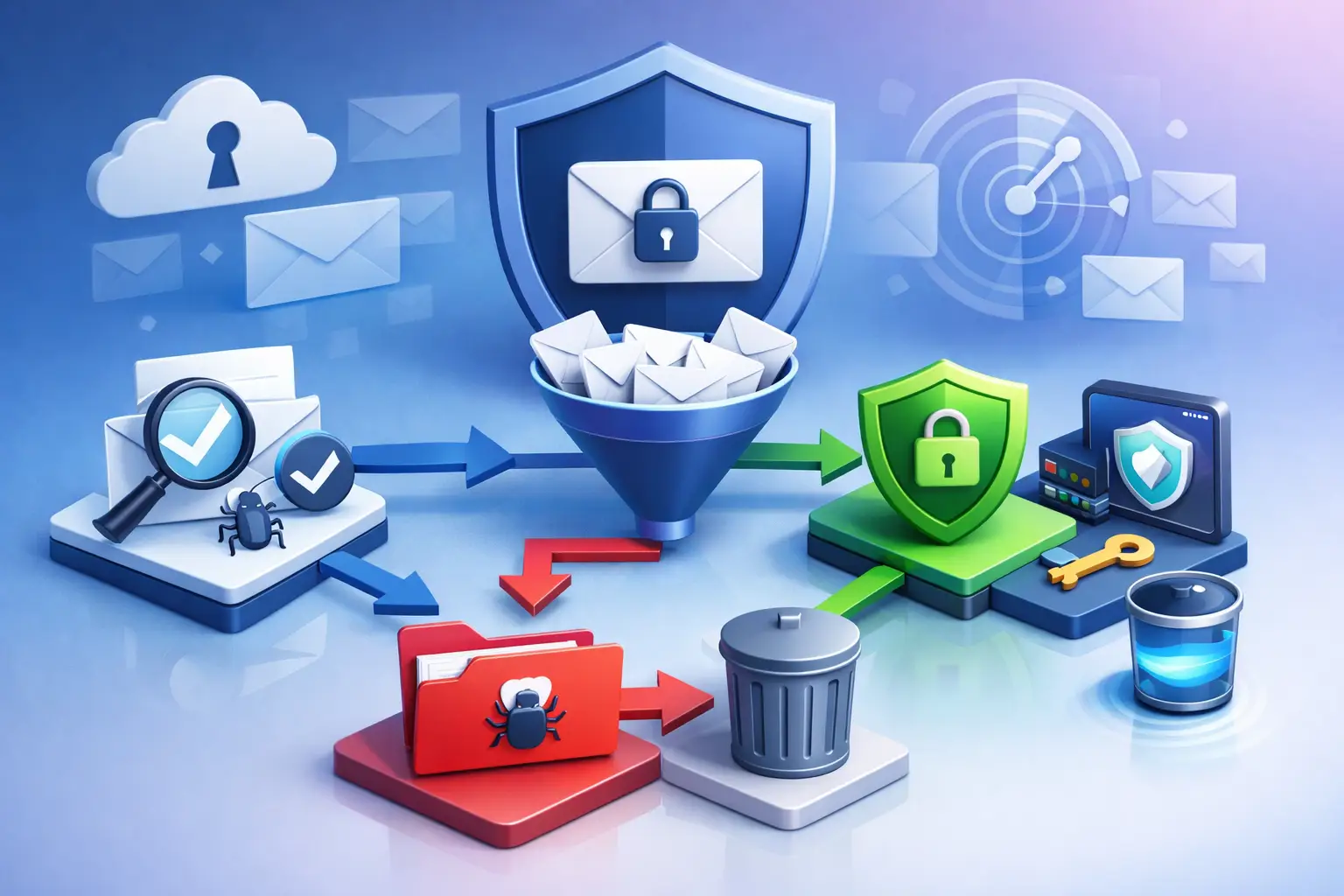
A workable workflow has four stages:
- Employees report suspicious messages using a defined mailbox, button, or support process.
- Administrators assess the message, sender, links, attachments, and affected recipients.
- The organization contains the threat by removing similar messages, blocking indicators, resetting accounts, or disabling malicious forwarding rules when needed.
- Findings are documented and used to improve filters, authentication controls, and employee guidance.
Training supports this workflow, but it should be specific and repeated. Generic warnings about phishing tend to fade quickly. Short examples based on actual business risks are more useful: invoice changes, payroll requests, credential prompts, shared-document notices, and executive impersonation. Finance and payroll teams may need additional procedures for payment changes, including independent verification through a known phone number or established contact channel.
The right training frequency depends on staff turnover, threat activity, and regulatory obligations. What matters is that training reinforces a clear behavior: pause, verify, and report. Employees should never be penalized for reporting a message that turns out to be legitimate. Early reporting is a security advantage.
Monitor for Signs of Account Takeover
Many organizations discover email incidents too late because they focus only on blocked phishing messages. Monitoring should also look for activity that suggests a mailbox has already been compromised. Examples include unexpected forwarding rules, inbox rules that hide messages, unfamiliar delegated access, changes to multi-factor authentication methods, suspicious OAuth application consent, and logins from unusual devices or locations.
These signals require context. An employee traveling internationally may generate an unusual login alert without indicating an attack. A new forwarding rule may support a valid business process. The objective is not to respond blindly to every alert. It is to investigate anomalies quickly, establish whether they are authorized, and retain evidence of the decision.
Centralized reporting helps business and IT leaders see patterns that individual users cannot. Monthly reviews can show whether attacks are increasing, which departments are targeted, whether authentication failures are rising, and which remediation actions remain open. This turns email protection from a collection of settings into a managed security process.
Prepare for the Message That Gets Through
Even well-managed environments will receive malicious messages, and some will evade filters. An incident response plan should define who has authority to act, how affected accounts are secured, when users and customers are notified, and how evidence is preserved. Speed matters in email incidents because fraudulent rules, external forwarding, and payment requests can create ongoing damage.
For suspected account compromise, immediate actions commonly include revoking active sessions, resetting credentials, reviewing multi-factor methods, removing unauthorized rules and application access, and searching for similar messages across mailboxes. The response should also examine what the attacker accessed and whether the mailbox was used to target customers, vendors, or internal teams.
Documenting these actions is essential. Clear records support insurance claims, compliance review, post-incident improvement, and leadership communication. They also reveal recurring weaknesses, such as poorly governed third-party senders, excessive admin access, or a lack of verification procedures around financial requests.
Make Email Security Part of Ongoing Oversight
Email environments change constantly. New employees are added, applications are connected, vendors change their sending platforms, and attackers adjust their methods. A one-time configuration review provides value, but it cannot provide lasting assurance without continued monitoring and periodic reassessment.
FortifyNET approaches security as a discipline of identifying, understanding, and remediating risk over time. For email, that means maintaining visibility into domain authentication, account activity, configuration drift, suspicious behavior, and unresolved findings. It also means translating technical results into prioritized actions that administrators and business leaders can execute.
The most useful next step is not simply buying another security tool. Establish ownership for your email environment, review the controls already in place, and close the gaps that create the greatest business exposure. A monitored, well-documented email program gives your organization a stronger position when the next convincing message arrives.