How Security Audit Reporting Tools Help
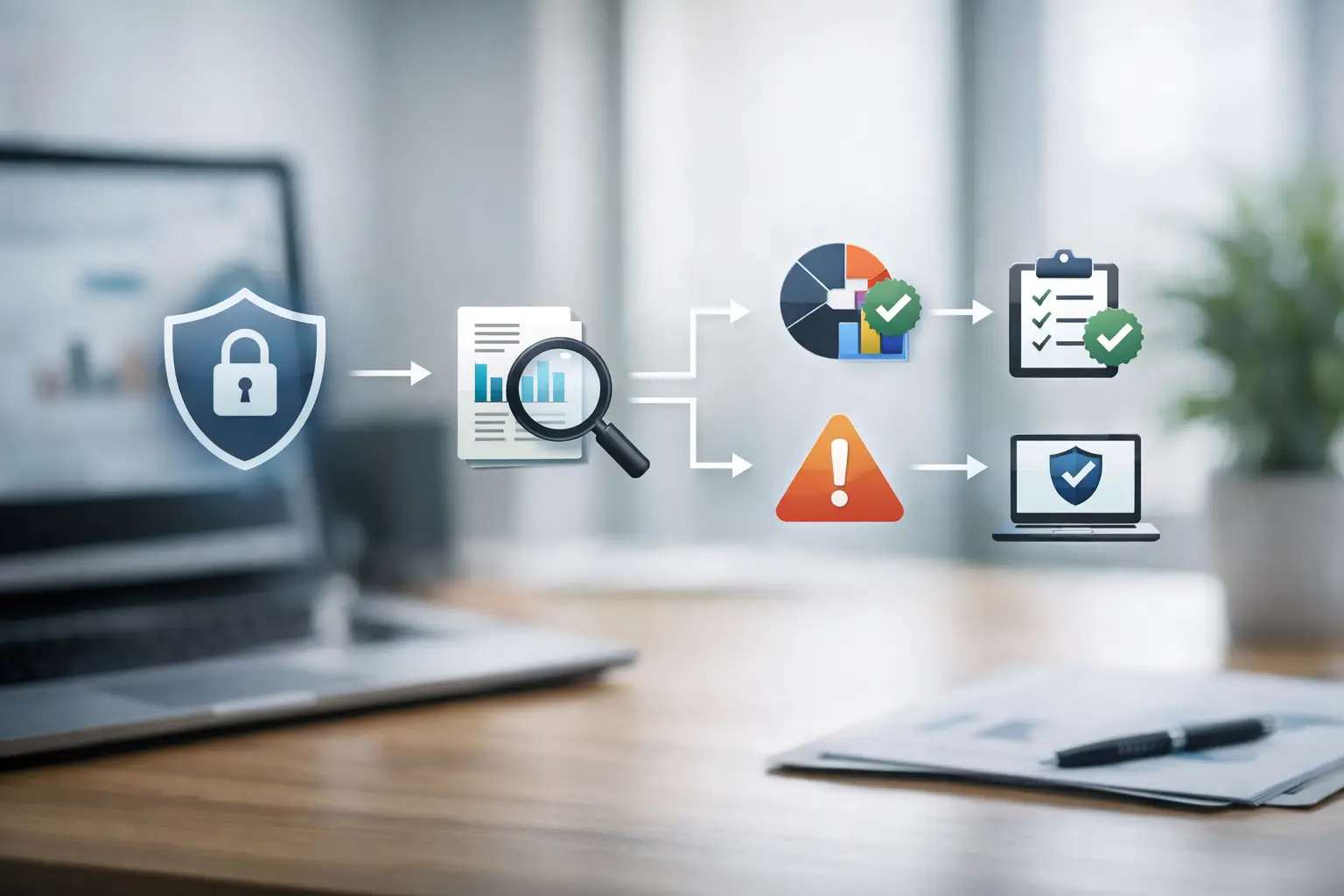
A security assessment that ends as a PDF in someone’s inbox is not much of a control. The real value of security audit reporting tools is not that they produce reports. It is that they help teams identify what matters, understand what it means, and move from findings to remediation without losing momentum.
For many small and mid-sized businesses, that gap is the problem. Vulnerability scans generate pages of issues. External assessments produce technical observations. Compliance checks flag missing controls. But leadership needs a clear view of business risk, IT needs prioritized work, and administrators need a system for tracking what was fixed, what still needs attention, and what requires monitoring over time.
What security audit reporting tools are supposed to do
At a basic level, security audit reporting tools collect findings from audits, scans, and assessments and organize them into readable reports. That sounds simple, but the difference between a weak tool and a useful one is substantial.
A useful reporting tool does more than export data. It translates technical output into operational decisions. It should show severity, affected assets, likely impact, remediation guidance, status, and ownership. It should also support different audiences. A business owner does not need raw scanner output. An IT manager does not need a vague executive statement with no technical detail. Both need the same truth presented at the right level.
That is why the best tools sit closer to a workflow system than a document generator. Reporting is the visible output, but the real function is security management. If the tool cannot help your team track remediation, compare results across time, or show whether exposure is increasing or decreasing, reporting becomes a static artifact instead of a control mechanism.
Why static reports create avoidable risk
Many organizations still treat audit reporting as an end-of-project deliverable. A consultant performs an assessment, delivers findings, and the report is archived for leadership or compliance records. That may satisfy a short-term requirement, but it creates long-term blind spots.
Security issues change after the report is issued. New assets appear. Existing software changes. A vulnerability that was low risk during the audit can become urgent if exposure shifts or active exploitation increases. If your reporting process has no living system behind it, your organization is left working from a snapshot while the environment keeps moving.
This is especially risky for businesses with public-facing websites, cloud services, multiple domains, remote access systems, or distributed email environments. In those cases, reporting needs to reflect an active attack surface, not a historical moment.
A better approach is to treat the report as one part of an ongoing oversight model. The report documents findings and recommendations, but the platform behind it should maintain visibility, status, and accountability between reporting cycles.
The features that matter most in security audit reporting tools
Not every team needs the same reporting depth, but a few capabilities matter in almost every case.
First, the tool should normalize findings from different sources. Most businesses do not rely on one security input. They may have vulnerability scans, email security checks, domain monitoring, web application testing, compliance reviews, and manual audit observations. If each source produces a separate report with separate logic, it becomes harder to understand overall risk.
Second, the reporting should prioritize remediation, not just classify severity. Severity ratings are useful, but they are not enough. A medium-severity issue on an internet-facing login system may deserve faster action than a high-severity issue on an isolated internal host. Good tools make room for context, asset criticality, business impact, and exploitability.
Third, the tool should support role-based views. Executives need trendlines, risk summaries, and exposure areas. IT and security teams need technical details, validation notes, and remediation steps. Compliance stakeholders need evidence that issues were identified, documented, assigned, and resolved. One reporting system should serve all three without forcing anyone to sort through irrelevant detail.
Fourth, status tracking matters. A report that cannot show open, in progress, resolved, accepted risk, or retest required is incomplete. Security work is rarely finished when a report is delivered. Reporting needs to capture the life cycle of each issue.
Finally, historical comparison is essential. If your reporting tool cannot show whether recurring audits are reducing exposure, then it is difficult to prove progress or spot deterioration. Trend visibility is one of the strongest reasons to invest in a more structured reporting process.
Security audit reporting tools and compliance expectations
Compliance often pushes organizations to improve reporting, but it should not be the only reason. Audit records are useful because they create documented evidence of control review, issue identification, and remediation activity. That helps with internal governance as much as external obligations.
For example, if your organization is working toward customer security requirements, vendor assessments, cyber insurance reviews, or internal policy enforcement, the report needs to answer practical questions. What was tested? What was found? How serious was it? Who owns remediation? Was it fixed? When was it verified?
This is where reporting tools often fail. Some are strong at producing polished summaries but weak at preserving the evidence trail behind decisions. Others are excellent for technical users but too dense for business review. The right balance depends on your environment, but the reporting process should always preserve defensible records and clear action history.
If your business deals with repeated questionnaires, client audits, or board-level security discussions, strong reporting reduces friction. It gives you a consistent way to show that security oversight is active, documented, and tied to measurable action.
Where teams get stuck when choosing a tool
The biggest mistake is selecting a tool based on report appearance instead of operational value. A clean PDF matters, but only after the underlying information is accurate, prioritized, and current.
Another common mistake is overbuying. Some platforms are designed for mature security operations centers with dedicated analysts, custom integrations, and extensive tuning resources. That may be appropriate for large enterprises, but it can create overhead for smaller teams that primarily need visibility, documented findings, and guided remediation.
The opposite problem also happens. Organizations choose a lightweight reporting utility that exports scan results but offers no remediation tracking, no centralized dashboard, and no support for ongoing monitoring. That works for one audit. It does not work well for recurring oversight.
Integration is another trade-off. A highly integrated platform can save time, but only if your team will actually maintain those connections and use the resulting workflows. If the integration burden is too high, the tool may become another underused system. Simpler is sometimes better, especially for teams that need clarity more than customization.
How to evaluate security audit reporting tools in practice
Start with your reporting obligations, not product features. Ask what decisions the report needs to support. If leadership needs risk visibility, the tool must present business-level summaries. If IT owns remediation, the tool must support technical detail and status updates. If compliance is in scope, the reporting must preserve documentation over time.
Then look at your security inputs. If you rely on multiple scans, audits, and monitoring activities, choose a system that can centralize them into one view. Fragmented reporting creates fragmented remediation.
Next, review how the tool handles prioritization. Ask whether it simply displays severity ratings or whether it helps your team determine what to fix first based on exposure and business relevance. That distinction matters more than most feature lists suggest.
You should also test the reporting workflow itself. How easy is it to assign issues, update status, add notes, document exceptions, and verify closure? If these steps require too much manual work, reporting quality will decline after the first cycle.
For many organizations, the strongest option is not a standalone reporting product at all. It is a platform-backed service model that combines expert review, continuous monitoring, and structured reporting. That approach reduces the burden on internal teams and improves the quality of interpretation. FortifyNET fits this model by pairing analysis with ongoing visibility and remediation-focused reporting rather than treating the audit as a one-time event.
Why ongoing reporting is more useful than perfect reporting
There is a tendency to aim for the ideal report format before fixing the reporting process. That usually delays progress. A report does not need to be perfect to be useful. It needs to be clear, current, and tied to action.
The organizations that get the most value from security audit reporting tools are usually not the ones with the most elaborate templates. They are the ones that use reporting consistently to drive decisions, assign responsibility, verify remediation, and maintain visibility across changing assets.
That is the real standard to measure against. If the tool helps your business stay accountable, reduce uncertainty, and keep security work moving between audits, it is doing its job. If it only produces a document, you still have a reporting problem.
The best reporting system is the one your team can trust when the next issue appears, the next review arrives, or the next question from leadership lands in your queue.