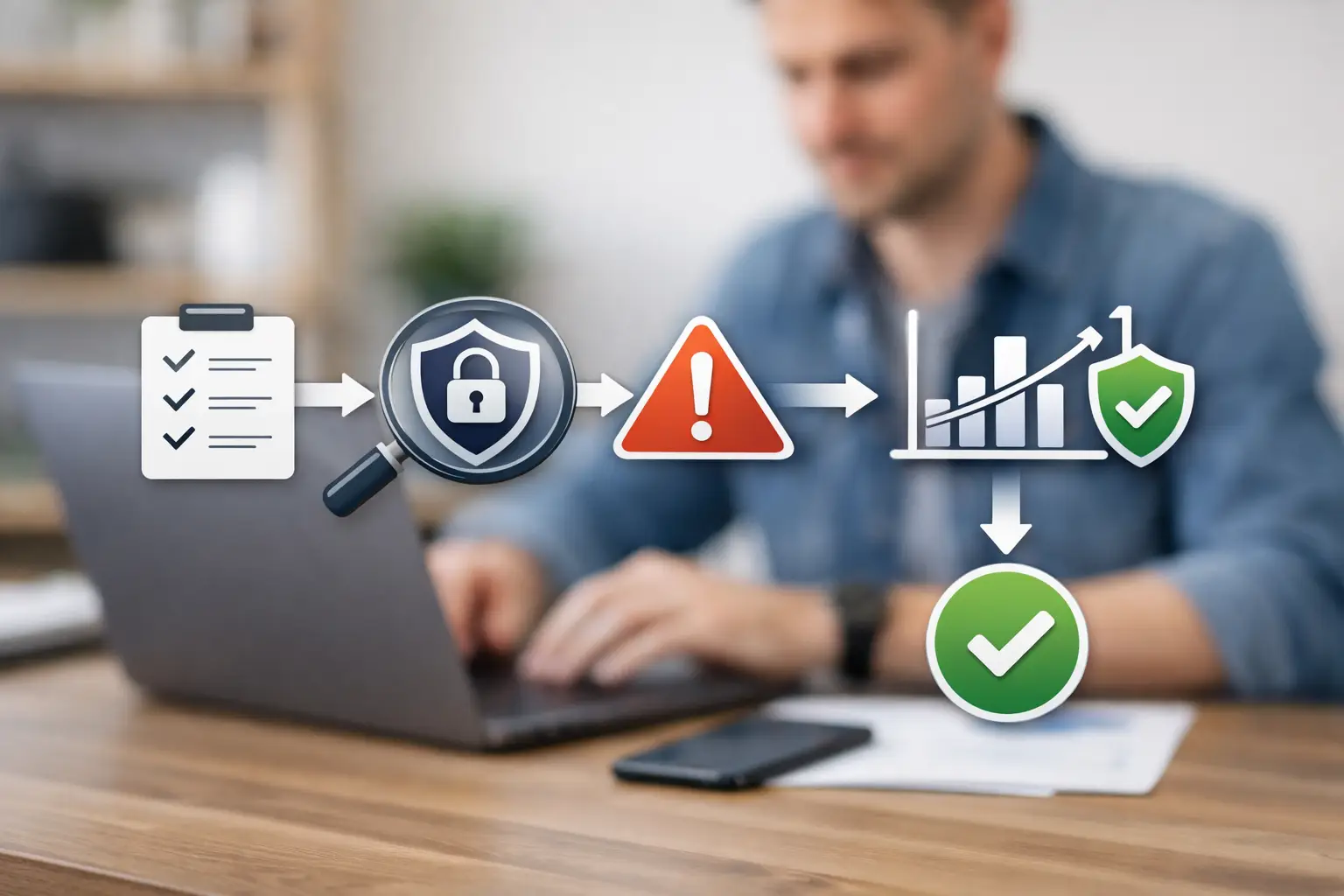
Small Business Cyber Risk Assessment Checklist
A new website, a cloud file-sharing account, and a vendor with remote access can each create a security exposure long before anyone sees an alert. A small business cyber risk assessment gives leadership a disciplined way to identify those exposures, understand their business impact, and decide what must be remediated first.
For many small and mid-sized organizations, the challenge is not a lack of security tools. It is a lack of visibility and prioritization. Teams may know they need stronger passwords, better backups, or software updates, but they often cannot answer a more useful question: which weakness could cause the greatest operational, financial, or reputational damage right now?
What a Cyber Risk Assessment Should Deliver
A risk assessment is more than a vulnerability scan and more than a compliance questionnaire. Scans identify technical findings. Questionnaires document controls. A useful assessment connects both to the systems and business processes that matter most.
The end result should be a clear record of your digital assets, the threats and weaknesses affecting them, the potential consequences of an incident, and a prioritized remediation plan. Leaders should be able to see what requires immediate attention, what needs scheduled improvement, and what can be accepted as a managed risk.
That distinction matters when resources are limited. A low-severity finding on an isolated test system does not deserve the same response as exposed administrator credentials, an unsupported internet-facing server, or email settings that leave your domain open to impersonation.
Start With the Assets You Actually Need to Protect
Cyber risk cannot be assessed in the abstract. Begin by building an accurate inventory of the systems, accounts, and data that support the business. This includes public-facing websites and applications, domains and DNS records, email platforms, cloud storage, employee endpoints, network equipment, remote-access tools, third-party software, and vendor connections.
For each asset, document who owns it, who administers it, where it is hosted, what data it handles, and whether it is exposed to the internet. This exercise frequently reveals unmanaged domains, former employee accounts, forgotten subdomains, legacy applications, and vendor services that no one has reviewed recently.
Classify the data associated with each asset as well. Customer payment information, protected health information, employee records, intellectual property, and internal financial data carry different consequences if accessed, changed, or unavailable. A business cannot prioritize risk effectively if it does not know where sensitive information resides.
Include Shadow IT and External Exposure
Small businesses commonly underestimate assets acquired outside formal IT processes. A marketing team may launch a landing page through a third-party platform. An operations manager may adopt a cloud application using a corporate card. An employee may forward files to a personal account to work remotely.
These services are not necessarily unsafe, but they need to be visible. External exposure monitoring can identify internet-facing assets and configuration issues that an internal inventory misses. The goal is not to restrict every business decision. It is to make sure security ownership follows the technology.
Identify Threats, Vulnerabilities, and Business Impact
Once assets are known, examine the risks affecting them. Threats may include phishing, credential theft, ransomware, business email compromise, web application attacks, malicious insiders, vendor compromise, or accidental data exposure. Vulnerabilities are the conditions that allow those threats to succeed, such as weak authentication, unpatched software, excessive permissions, poor email authentication, or open network services.
Risk becomes meaningful when you evaluate impact. Ask what would happen if a system were unavailable for a day, a customer database were copied, a payment page were altered, or an executive email account were taken over. Consider operational disruption, recovery costs, legal obligations, contractual requirements, lost revenue, and damage to customer trust.
A simple likelihood-and-impact model is often sufficient for a small organization. Rate the likelihood that a weakness will be exploited and the impact if it is. High-likelihood, high-impact issues should rise to the top of the remediation plan. The model does not need to be mathematically perfect. It needs to support consistent, defensible decisions.
Assess the Controls That Reduce Risk
The assessment should review whether the organization has practical controls in place, not simply whether a policy exists. A written password policy provides little protection if multifactor authentication is optional. Backups are not dependable if restoration has never been tested. Endpoint security is limited if unmanaged laptops can access sensitive systems.
Review identity and access controls first. Confirm that multifactor authentication protects email, cloud administration, remote access, financial systems, and other high-value accounts. Remove inactive accounts, limit administrator privileges, and verify that access is reviewed when employees change roles or leave.
Next, assess patching and configuration management. Identify unsupported operating systems, outdated web components, exposed management interfaces, unnecessary services, and known vulnerabilities. Critical internet-facing findings generally warrant faster remediation than similar issues on tightly segmented internal systems, but the surrounding controls still matter.
Email deserves focused attention because it remains a primary path for fraud and credential theft. Review phishing protections, mailbox forwarding rules, privileged email access, and domain authentication records such as SPF, DKIM, and DMARC. A domain that cannot reliably prove authorized senders creates avoidable risk for customers, employees, and business partners.
Finally, evaluate recovery readiness. Confirm that backups are protected from routine user access, retained appropriately, and tested through real restoration exercises. Incident response procedures should identify who makes decisions, who communicates with customers or counsel, and how the business will maintain essential operations during a disruption.
Prioritize Remediation by Business Risk
A long list of findings is not a security plan. Each item should have an owner, target date, remediation recommendation, and a stated reason for its priority. This creates accountability and makes progress visible to leadership.
Immediate priorities usually include exposed credentials, critical unpatched systems, missing multifactor authentication on privileged accounts, insecure remote access, active malware indicators, and publicly exposed sensitive data. Near-term work may include improving network segmentation, removing legacy applications, tightening cloud permissions, and implementing formal vendor reviews. Longer-term improvements may include security awareness training, tabletop incident exercises, and broader governance documentation.
There are trade-offs. Applying an urgent patch may require downtime. Replacing an unsupported application may take budget and operational planning. In those cases, document compensating controls, such as restricted access, enhanced monitoring, or temporary network isolation. Risk acceptance should be explicit, time-bound, and approved by a responsible business leader, not left as an accidental gap.
Make the Assessment Ongoing
A point-in-time assessment provides a baseline, but the attack surface changes continuously. New domains are registered, software is updated, employees join and leave, vendors receive access, and vulnerabilities are disclosed. Treating security as an annual project leaves long periods where meaningful changes go unreviewed.
Continuous monitoring adds operational value by tracking external exposure, domain changes, email security posture, vulnerability status, and remediation progress between formal assessments. Centralized dashboards and structured reports also make it easier to show leadership what has changed, what has been resolved, and where decisions are still required.
FortifyNET approaches this work as a cycle of analysis, remediation, and monitoring rather than a one-time technical exercise. That model helps organizations turn findings into managed security operations without forcing internal teams to interpret every alert on their own.
Questions Leadership Should Ask After the Assessment
The final report should help leadership make decisions without requiring them to become security specialists. They should be able to ask: Which assets are exposed to the internet? Which risks could interrupt operations or affect customers? Who owns each remediation task? What is overdue? Which risks are being accepted, and for how long?
If the assessment cannot answer those questions clearly, it may contain useful technical details but still fall short as a management tool. The strongest assessments translate technical exposure into actions, owners, timelines, and measurable outcomes.
Security maturity does not require a large internal team or an unrealistic promise of zero risk. It requires clear visibility, disciplined priorities, and regular follow-through. Start with the systems that keep the business operating, make remediation decisions based on impact, and keep watching as your environment changes.