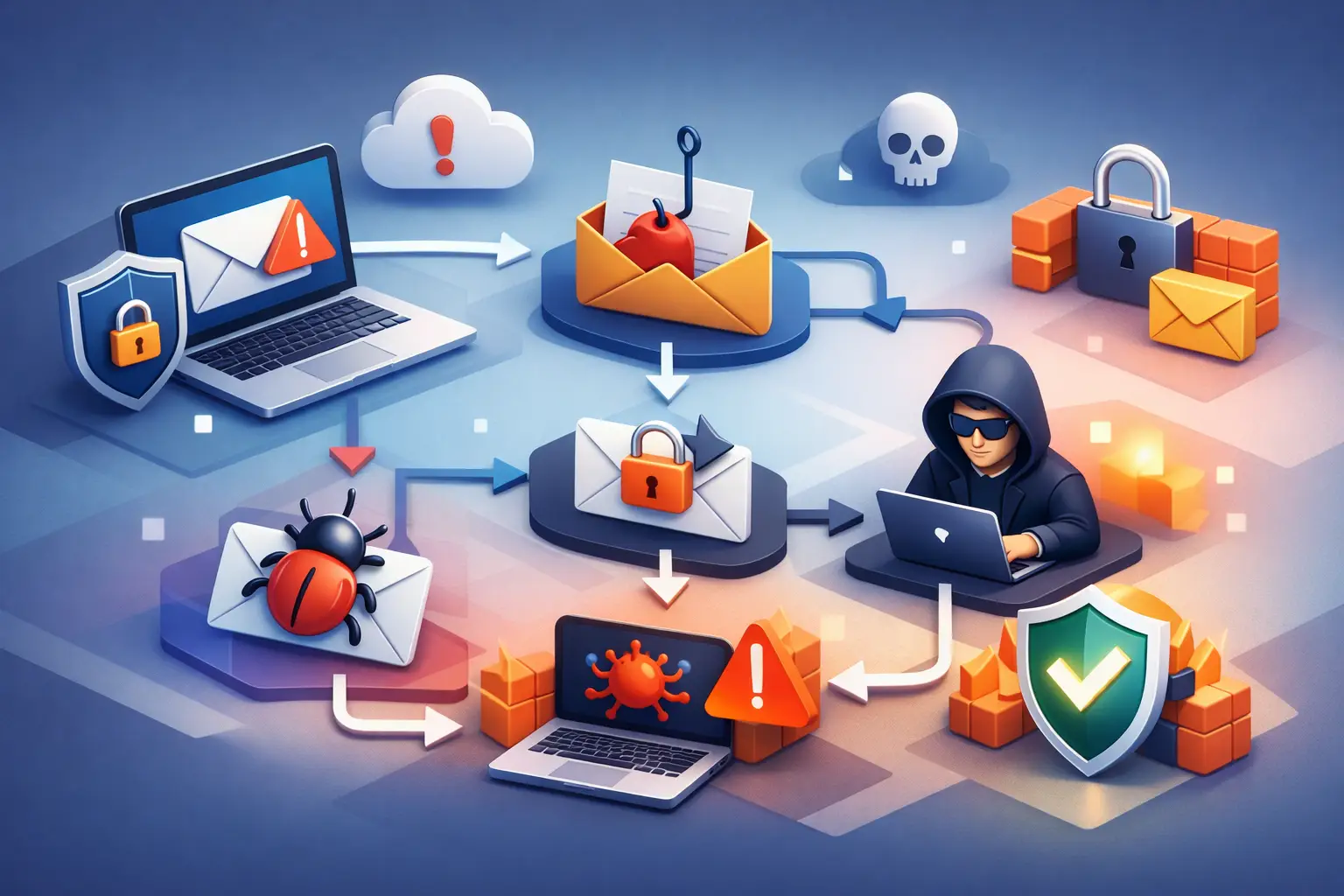
Top Email Security Risks Businesses Must Address
A finance employee receives what appears to be a routine vendor request to update bank details. The sender name is familiar, the message references an active invoice, and the urgency sounds credible. One reply can redirect a legitimate payment, expose account credentials, or give an attacker a foothold inside the business. That is why the top email security risks deserve the same disciplined oversight as public-facing applications, domains, and networks.
Email remains a primary business system and a frequent entry point for attackers because it connects people, payment processes, cloud platforms, and sensitive information. Effective protection is not limited to filtering suspicious messages. It requires organizations to identify exposure, understand which risks matter most, remediate the underlying weakness, and continuously monitor for change.
The Top Email Security Risks Facing Businesses
Phishing and business email compromise
Phishing is no longer limited to poorly written messages asking recipients to click an obvious malicious link. Attackers research organizations, impersonate executives or vendors, and use legitimate-looking cloud document notifications to capture credentials. They may also conduct business email compromise, or BEC, by taking over a trusted mailbox and observing real conversations before sending a fraudulent payment or payroll request.
The business impact is often immediate. A successful BEC incident can result in wire fraud, disclosure of customer information, fraudulent invoices, or unauthorized changes to employee direct-deposit details. Traditional spam filters reduce volume, but they cannot reliably stop a message that comes from a compromised supplier account or uses a newly registered lookalike domain.
Protection should combine technical controls with a payment verification process that employees can follow under pressure. For example, requests to change payment instructions should be confirmed through a known phone number or established vendor contact, not by replying to the email that made the request. Email authentication, multi-factor authentication, mailbox monitoring, and clear escalation paths all reduce the chance that a single message becomes a financial loss.
Credential theft and account takeover
A stolen email password has value far beyond the mailbox itself. Because email supports password resets for banking, accounting, payroll, customer relationship management, and cloud administration platforms, an attacker who controls one account can often expand access quickly.
Credential theft commonly starts with a fake sign-in page that imitates Microsoft 365, Google Workspace, or another familiar service. It can also result from reused passwords exposed in a third-party breach. Once inside, attackers may create forwarding rules, register their own authentication methods, delete alerts, and search historical messages for contracts, tax records, credentials, or payment details.
Multi-factor authentication is an essential control, but its configuration matters. SMS-based factors may be appropriate for some environments, while phishing-resistant methods such as security keys or authenticator-based number matching provide stronger protection for administrators and finance teams. Organizations should also review legacy authentication settings, shared mailbox access, delegated permissions, and inactive accounts. These are common blind spots in otherwise well-managed email environments.
Domain spoofing and weak email authentication
A business cannot control every fraudulent message that uses its name, but it can reduce the ability of attackers to impersonate its domain. Weak or missing SPF, DKIM, and DMARC records make it easier for malicious senders to present mail as though it came from a legitimate company address.
The trade-off is operational: overly restrictive email authentication policies can disrupt valid third-party senders, such as marketing platforms, invoicing systems, customer support tools, or recruiting software. That is why implementation should begin with visibility. Organizations need to inventory authorized senders, review authentication reports, correct alignment issues, and then move toward an enforcement policy in a controlled way.
DMARC monitoring is not simply a DNS task completed once. New vendors, subdomains, and business units can introduce sending sources over time. Continuous domain and email oversight helps administrators identify unauthorized activity before spoofing becomes a customer-facing incident.
Malicious links, attachments, and cloud file sharing
Malicious attachments have evolved from simple executable files to password-protected archives, HTML attachments, invoice-themed documents, and files that prompt users to enable risky content. Links can lead to credential harvesting sites, malware downloads, or legitimate cloud storage locations containing hostile files.
Cloud collaboration adds complexity. A file-sharing message may be technically authentic but still unsafe if the sender account was compromised. Security controls should evaluate links and attachments, but employees also need practical guidance: unexpected login prompts, urgent requests, and unfamiliar sharing permissions should trigger verification rather than immediate action.
For organizations handling sensitive data, attachment controls should be paired with endpoint protection and least-privilege access. If a user opens a malicious file, segmented access and monitored administrator activity can limit how far the attacker moves.
Misconfigured mailboxes and excessive permissions
Some email security incidents begin with configuration drift rather than an external phishing attempt. An administrator may leave automatic forwarding enabled for all users, permit external forwarding without review, retain former employee accounts, or grant broad delegated access to shared mailboxes. Each choice may have been made for a valid business reason, but together they create quiet paths for data loss and unauthorized access.
Mail flow rules deserve particular attention. Attackers who gain administrative access may create rules that reroute messages, hide fraud warnings, or allow their own messages to bypass normal checks. External forwarding rules can also send customer communications, invoices, and internal documents to an attacker-controlled address without the user realizing it.
A recurring configuration review should examine mailbox forwarding, inbox rules, administrator roles, OAuth application consent, inactive accounts, and shared mailbox permissions. The goal is not to remove every convenience feature. It is to ensure each exception has a documented owner, a business purpose, and an appropriate review cycle.
Data leakage through ordinary email use
Not every email risk is a deliberate attack. Employees can send sensitive information to the wrong recipient, attach an outdated report, use personal email for work documents, or share data with a vendor whose access no longer matches the relationship. These events can affect contractual obligations, privacy commitments, and regulatory requirements.
Data loss prevention tools can help detect patterns such as payment card data, Social Security numbers, health information, or confidential labels. Their usefulness depends on careful tuning. If policies block legitimate work too often, users will find ways around them. Start with the data categories that present the clearest business and compliance exposure, then refine controls using actual incident and workflow data.
How to Prioritize Email Risk Remediation
A long list of alerts is not an email security program. Business leaders need a prioritized remediation plan that accounts for exposure, impact, and the ability to detect misuse. A practical workflow follows four steps:
- Identify the email assets that matter most, including primary domains, executive and finance mailboxes, shared inboxes, administrative accounts, and third-party sending services.
- Assess controls and exposure by reviewing authentication records, multi-factor authentication coverage, mailbox configurations, privileged roles, forwarding behavior, and suspicious sign-in activity.
- Remediate high-impact gaps first, such as administrator accounts without strong multi-factor authentication, missing DMARC enforcement, unrestricted external forwarding, and unverified payment-change procedures.
- Monitor continuously for changes in domain records, newly created rules, suspicious account behavior, leaked credentials, and configuration drift.
This approach also makes reporting more useful. Instead of presenting technical findings without context, reports should show the affected asset, the business impact, the recommended action, the responsible owner, and the status of remediation. That structure gives IT teams operational direction and gives leadership evidence that email risk is being managed.
Building Accountability Around Email Security
Technology cannot replace accountable decision-making. Finance, human resources, IT, operations, and executive leadership all use email differently, so controls need clear ownership across those functions. A finance leader should know how to validate payment changes. An IT administrator should know who can authorize mailbox forwarding exceptions. Executives should understand that their public profile makes them frequent impersonation targets.
Testing is equally valuable. Conduct simulated phishing exercises that reflect the messages employees actually receive, such as vendor invoices, document-sharing notices, payroll updates, or executive requests. Measure more than click rates. Track reporting behavior, response time, and whether the organization can investigate and contain a compromised account promptly.
FortifyNET supports this discipline by connecting exposure assessment, monitored email oversight, clear reporting, and remediation planning into an ongoing security process. The objective is not to create more alerts. It is to give teams visibility into the controls that protect business communications and the actions needed when those controls weaken.
Email security becomes more manageable when it is treated as a living operational responsibility. Review what can send as your domain, who can access sensitive mailboxes, where messages can be forwarded, and how quickly your team can act on a suspicious event. Those answers provide a practical foundation for protecting the conversations and transactions your business depends on.